10 Data Capture Solutions for Document Automation
Compare 10 data capture solutions for OCR, IDP, RPA, and vertical workflows. Evaluate accuracy, security, compliance, customization, and SLAs.

Your team probably already has some form of data capture solution. AP staff rekey invoice totals from PDFs. Operations teams copy delivery note lines into ERP fields. Compliance analysts open passports, utility bills, and bank statements one by one to complete KYC reviews. Logistics teams chase data across Bills of Lading, customs paperwork, and carrier documents. The work gets done, but it creates delays, rework, and avoidable mistakes.
That's why modern data capture solutions matter. Document data extraction is the process of turning document content from PDFs, scans, images, and multi-page files into structured data that systems can use. The important shift is that strong platforms don't stop at OCR documents alone. They combine text recognition, document classification, validation, and workflow routing so teams can process real business documents instead of just reading text off a page.
Manual handling still has a real operational cost. One industry guide estimates manual processing at 5 to 15 minutes per document, while automated processing takes seconds, and models 10 minutes per invoice versus 30 seconds with automation with a monthly labor-cost example of $2,083 for manual processing compared with $300 for automated processing (document processing automation guide). If you're trying to streamline operations with MakeAutomation, the buying question isn't "which OCR tool is best?" It's which architecture fits your workflow.
This comparison looks at ten representative platforms, including Matil.ai, across the criteria that usually decide real deployments: accuracy, throughput, security, compliance, customization, integrations, human review, pricing transparency, and SLA.
The Problem With OCR-Only Data Capture Solutions
Traditional OCR extracts text. That's useful, but it doesn't solve the document workflow by itself. A finance team doesn't need the raw text of an invoice. It needs the supplier name, dates, tax amounts, line items, and validation against business rules before posting anything downstream.
The same limitation shows up in compliance and operations. KYC isn't a single-document workflow. A compliance guide notes that low-risk individual verification commonly requires one government-issued photo ID plus one proof of address issued within the last 3 months, and higher-value products often add proof of income (acceptable KYC documents for verification). If a tool reads text but can't classify document type, split bundles, and validate required evidence, the team still does the hard part manually.
Where manual work still breaks the process
- Finance teams retype fields: Manual data entry remains a major source of defects. One article cites APQC data saying over 60% of invoice errors come from manual data entry, and reports manual entry error rates around 1% to 5% depending on complexity (manual invoice entry errors).
- Operations teams review mixed files: A single email can contain invoices, delivery notes, statements, and attachments that need different extraction rules.
- Compliance teams need evidence chains: IDs, address proofs, and statements must be captured, checked, and routed with auditability.
- Logistics teams handle irregular layouts: Shipping and customs documents often mix tables, stamps, handwritten notes, and carrier-specific formats.
Practical rule: If a platform only gives you extracted text, your team still owns classification, field mapping, validation, exception handling, and routing.
How AI-Based Extraction Works in Practice
Yes, it's possible to automate the extraction of invoice data, KYC files, payslips, and logistics documents. The practical stack usually has four layers.
Step 1. OCR
The system reads printed or scanned text from documents and images.
Step 2. Classification
The platform identifies whether the file is an invoice, receipt, ID, bank statement, payslip, or another document type.
Step 3. Validation
The extracted fields are checked against expected schema, confidence, business rules, or external records.
Step 4. Workflow automation
The document is routed to approval, exception review, ERP import, or another next step.
Independent benchmark commentary shows why that stack matters. Leading engines now exceed 98% text accuracy on printed documents, with one benchmark placing Microsoft Azure Document Intelligence at 96% for printed text, but results still vary sharply on handwriting, rotated pages, and unusual layouts (OCR benchmark summary and caveats). That's the core buying lesson. OCR accuracy headlines don't tell you how well a platform handles your real documents.
Modern Data Capture Solutions Compared
1. Matil
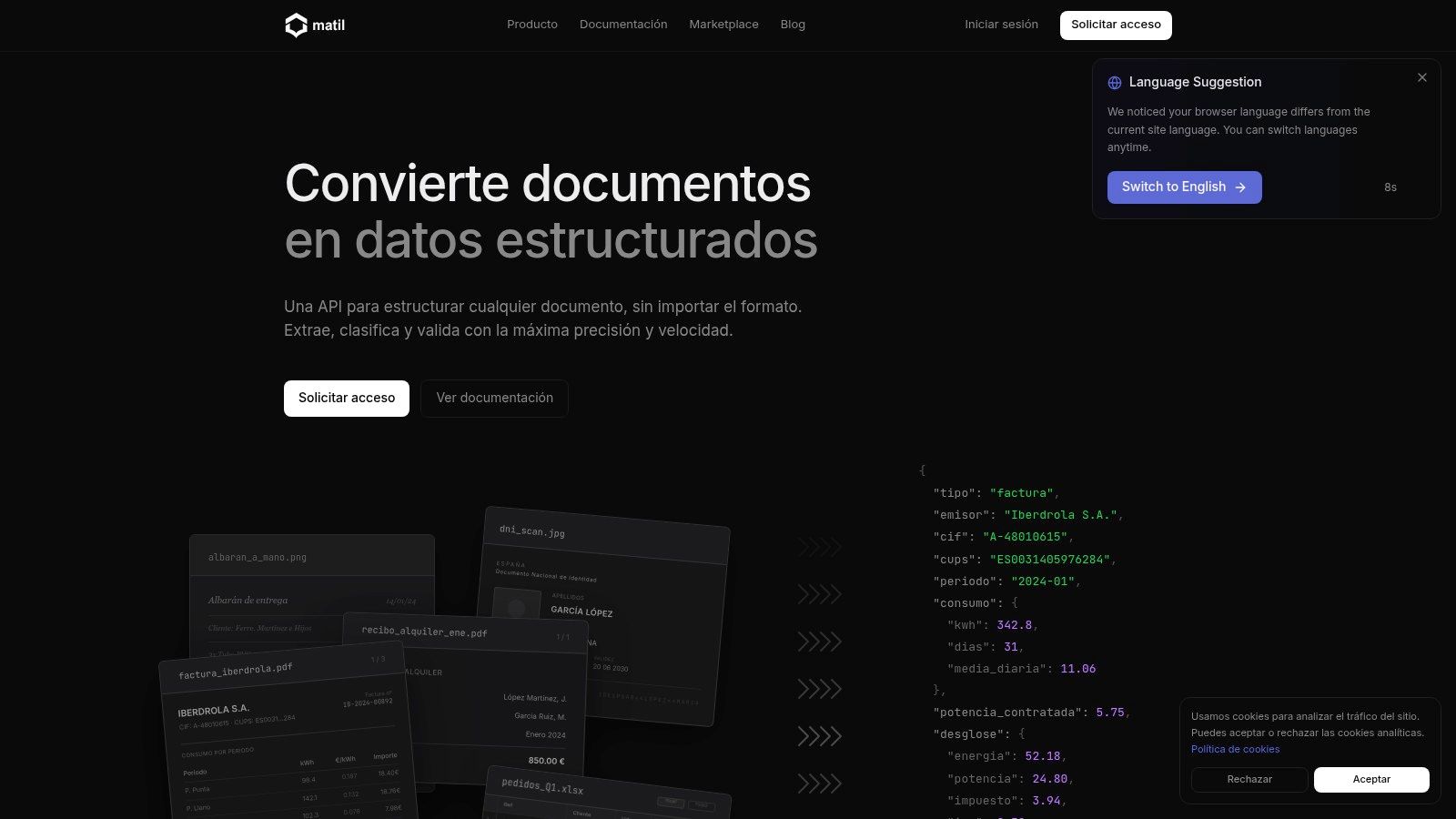
A shared inbox receives supplier invoices, driver delivery notes, customer IDs, payslips, and bank statements in one batch. OCR can turn those files into text, but operations still has to identify each document, split combined PDFs, validate fields, and send exceptions to the right queue. That workflow is the practical boundary between OCR and document automation.
Matil sits in the API-first IDP category. Its role in this comparison is clear: it is aimed at teams that want structured JSON from PDFs, images, and multi-page files through one programmable layer, rather than assembling separate tools for recognition, classification, validation, and routing. That architectural choice matters most for finance, logistics, and compliance workflows where the cost of capture errors appears later in posting delays, reconciliation work, shipment disputes, or audit gaps.
The distinguishing feature is scope at the API level. Matil combines OCR, document classification, PDF splitting, schema-based extraction, validation, and workflow orchestration in one service. It also includes no-code upload flows and export templates, which creates a useful division of labor. Engineering can own the integration, while operations teams can adjust intake and output formats without waiting on a full rebuild.
Why Matil sits in the API-first automation segment
Matil is closer to document-to-system automation than text capture. That difference is easy to miss in vendor comparisons, especially because the wider IDP market is still described inconsistently. One market summary points to conflicting market size estimates and argues that buyers increasingly want capture, classification, extraction, validation, and workflow routing in the same product because those functions are purchased together in practice (intelligent document processing market fragmentation).
For buyers, the useful question is not whether a tool has OCR. Almost every product in this category does. The better question is how much of the downstream handling it removes. If a finance team still has to review document type, correct field mismatches, and re-route exceptions by hand, the business process remains only partly automated.
Where Matil fits best
Matil makes the most sense for organizations that need:
- Structured outputs: JSON mapped to a defined schema instead of raw OCR text.
- Mixed-document intake: Classification and page splitting for bundled or multi-document files.
- Fast customization: Pretrained use cases and custom schemas without the heavier setup common in enterprise platforms.
- Controlled handling of sensitive files: Security and retention controls matter in payroll, identity verification, lending, and regulated back-office work.
- Programmable deployment: API access for product teams, with lighter no-code options for business users.
A practical benefit for finance and operations is traceability. Confidence scores and output lineage make exception review easier, which matters when AP teams need approval evidence, logistics teams need to verify shipment paperwork, or compliance teams need to explain why a record was accepted or rejected.
The trade-off is procurement and implementation style. Matil is easier to place than a broad enterprise suite if the goal is a focused API-driven workflow, but it offers less of the large-platform packaging some buyers want for cross-department standardization. Pricing is not public, so vendor evaluation usually starts through sales rather than a self-serve buying path. Matil also states on its platform materials that it delivers above 99% accuracy in multiple use cases and an availability SLA above 99.99%, so buyers should verify how those claims apply to their document types, exception rates, and service terms during diligence.
2. ABBYY Vantage
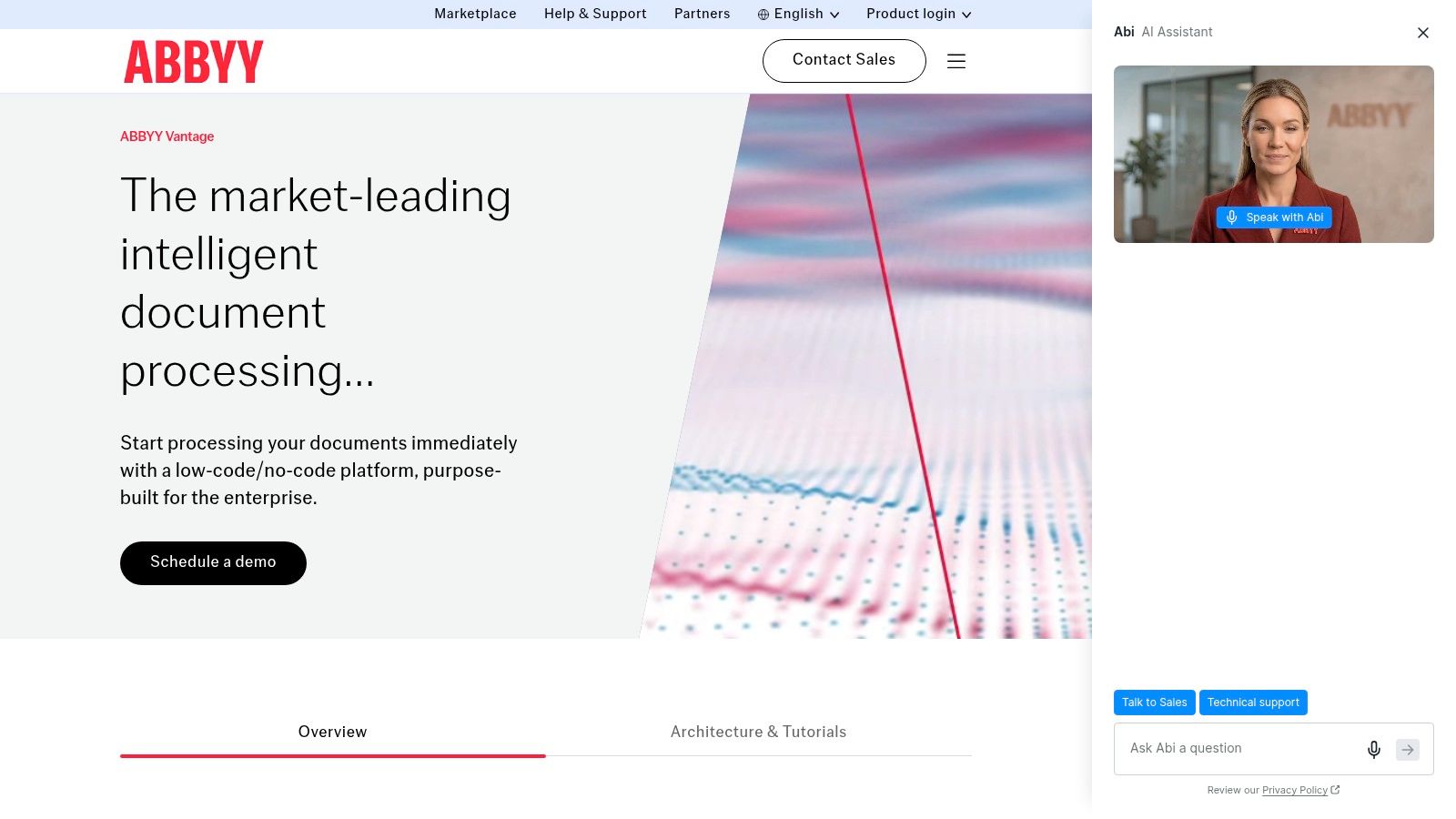
ABBYY Vantage sits in the enterprise platform category. It's a cloud-first IDP product with prebuilt “Skills,” custom trainable extractors, and ABBYY's long OCR heritage behind it. If your team wants a document platform with a marketplace and broad language support, ABBYY is often on the shortlist.
This is a better fit for organizations that expect mixed document sets and want reusable components rather than a single narrow extractor. That includes shared-service finance teams, large operations groups, and regulated enterprises that process semi-structured and unstructured forms at scale.
Best fit and trade-offs
ABBYY's strength is maturity. It covers classification, extraction, validation, and workflow orchestration in one environment, and the marketplace can reduce time to first deployment for common document types. Teams evaluating the broader category can also compare where platforms sit on the OCR-to-automation spectrum in Matil's guide to intelligent document processing.
The trade-off is implementation overhead. ABBYY can do a lot, but broader platforms often need partner support, governance planning, and more structured rollout than lightweight APIs. Pricing is also consultative rather than transparent, which matters if you're trying to compare tools quickly.
3. TotalAgility and Transact from Tungsten Automation
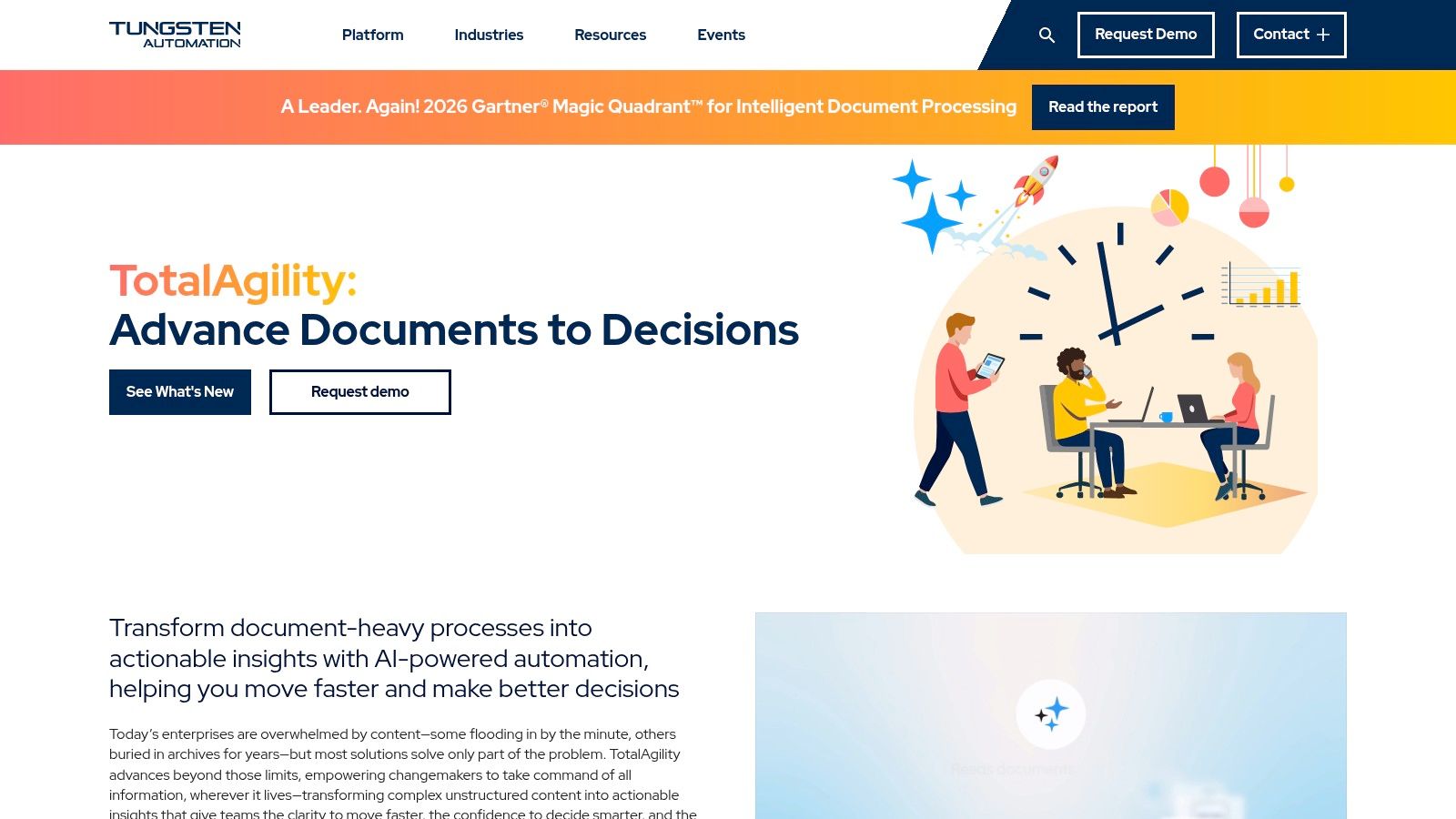
Tungsten Automation TotalAgility is the enterprise orchestration choice for organizations that need more than extraction. Pairing TotalAgility with Transact gives large teams a path from ingest to classification, validation, routing, and human review. It's especially relevant in mailroom-style intake environments and regulated back-office processes.
This category exists because some organizations don't just need field extraction. They need a control layer for queues, approvals, exceptions, and downstream routing into core systems. That's where TotalAgility has historically been stronger than simpler OCR services.
Where it tends to work well
Tungsten's model suits enterprises that need cloud or on-prem deployment choice and want one platform for end-to-end document automation. Legal, insurance, financial services, and government-style workflows often care as much about routing and auditability as extraction itself.
The cost of that breadth is complexity. Platform sprawl is a real risk if teams buy workflow orchestration before they've stabilized document types, schemas, and exception logic. For buyers with smaller scope, this can be more system than they need.
4. UiPath Document Understanding
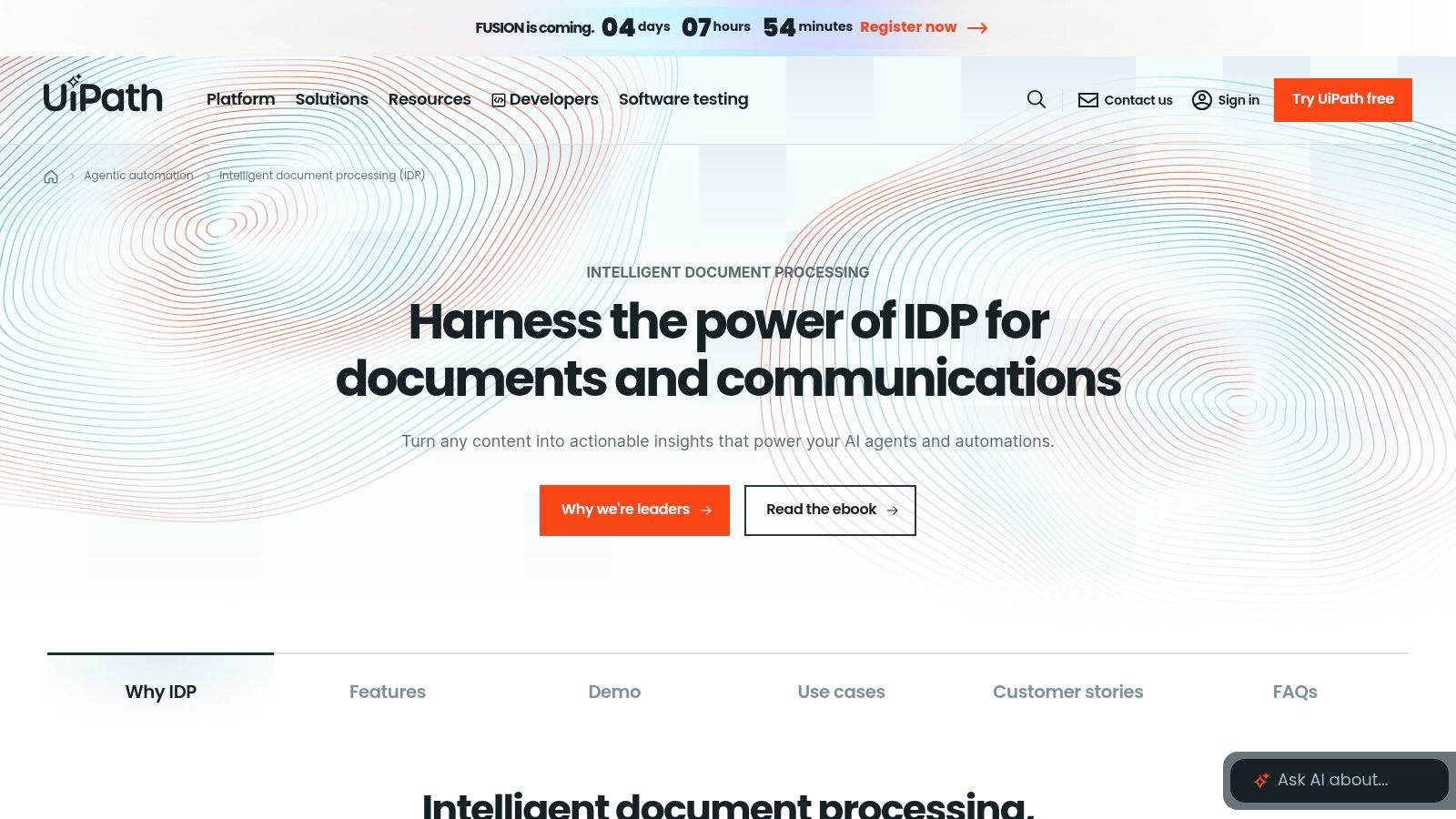
UiPath Document Understanding makes the most sense when document capture already sits inside an RPA estate. If bots log into systems, move files, trigger approvals, or manage exception queues today, UiPath gives those teams a natural path to add classification and extraction without re-architecting the stack.
That's the key distinction. UiPath isn't just an extraction product. It's part of a broader automation platform. Prebuilt and trainable extractors, Validation Station, and Action Center are useful because they attach human review directly to the automation flow rather than treating it as a separate operational process.
When UiPath is the right answer
Choose UiPath when:
- Bots already own the workflow: The process already depends on UiPath orchestration.
- Human review is part of the design: Exceptions need to be surfaced inside a managed queue.
- Multiple document types feed one process: Rules, ML, and hybrid extractors can be combined in one pipeline.
The trade-off is pricing clarity. Platform-unit consumption can be harder to model at the start, especially if the team is evaluating only one document workflow rather than the full automation platform. UiPath is strongest when document understanding is one piece of a larger automation program.
5. Google Cloud Document AI
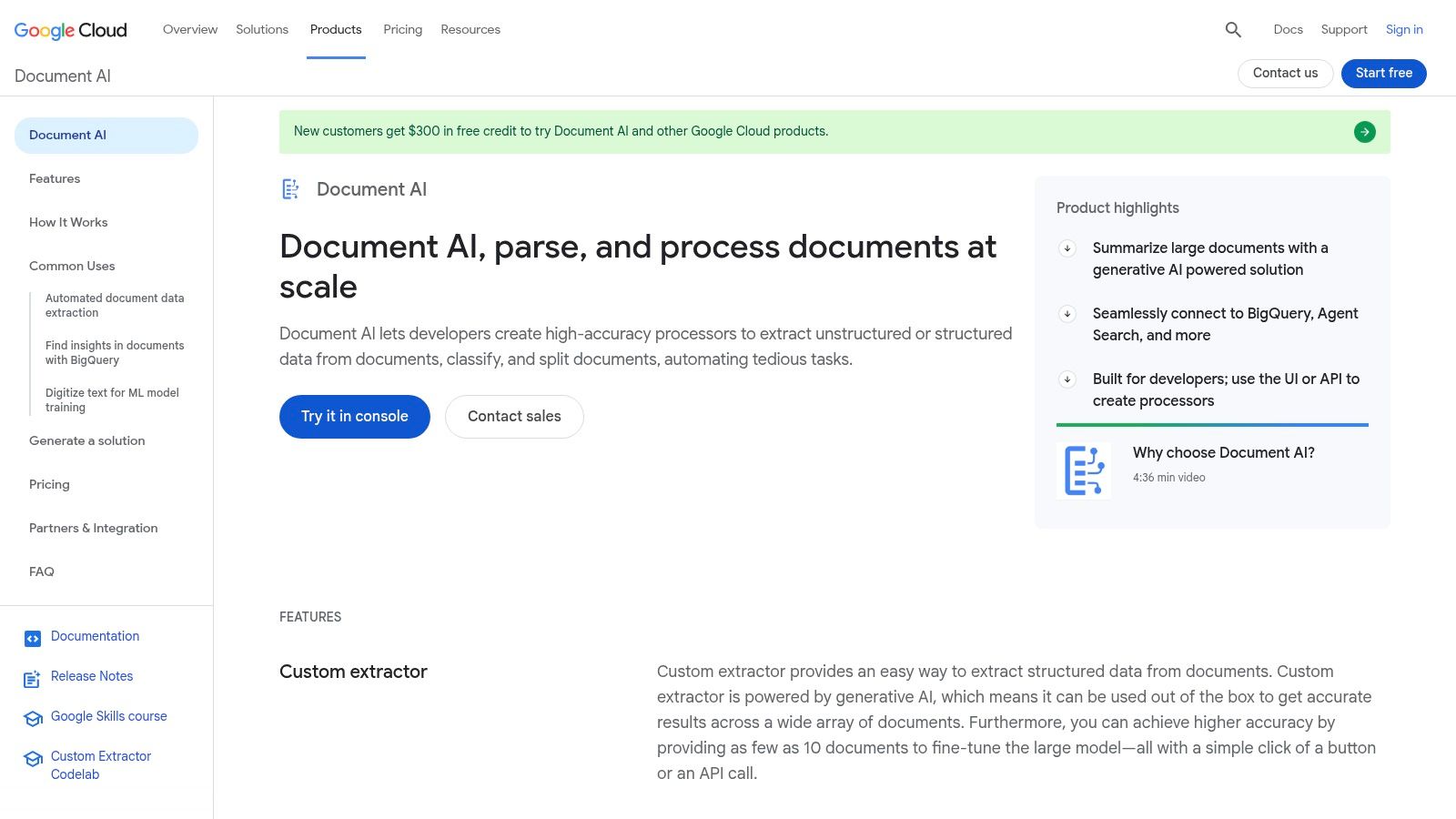
Google Cloud Document AI is the cloud-native service option for GCP-centered teams. It offers a gallery of processors for invoices, paystubs, bank statements, IDs, utility documents, W-2s, forms, layout parsing, and OCR, plus custom processors for extraction, classification, and splitting.
This makes it attractive for developers who want to pilot quickly and stay inside Google Cloud's tooling model. If your downstream stack already uses BigQuery, Cloud Storage, and other GCP services, Document AI reduces integration friction.
The buying angle that matters
Google's processor gallery helps teams move from “can OCR read this?” to “can a processor understand this document type?” That's the right practical frame for document automation. It also aligns with a broader market shift toward specialized cloud processors over generic OCR utilities, a theme discussed in Matil's comparison of Azure vs AWS vs GCP for document AI.
The trade-off is that cloud-native convenience doesn't remove processor-level complexity. Regional availability can vary, and specialized processors can become expensive if the workflow expands from a pilot into a high-volume mixed-document operation.
6. Azure AI Document Intelligence
Azure AI Document Intelligence is usually the default cloud processor candidate for Microsoft-centric enterprises. It covers OCR, layout analysis, prebuilt models, custom extraction and classification, plus tooling for training and labeling in Document Intelligence Studio.
This product's role is clear. It gives engineering teams a managed service for document extraction that can plug into the broader Azure estate. That's often enough for internal apps, line-of-business workflows, and teams that already standardize on Microsoft identity, security, and infrastructure.
Where Azure works best
Azure is a sensible choice when:
- The enterprise is already committed to Azure: Integration and procurement are simpler.
- Developers want page-based pricing: The commercial model is easier to forecast than some platform bundles.
- Layout matters: Tables, marks, and structured page geometry are part of the workflow.
Cloud deployment also reflects broader market behavior. One market view says cloud solutions captured 74.10% of revenue share in 2025 in the intelligent document processing market, with large enterprises at 64.35% share, North America at 35.55% revenue share, and Asia-Pacific as the fastest-growing region at 19.75% CAGR through 2031 (cloud dominance in IDP market deployment). That doesn't mean cloud is automatically right for every buyer, but it does explain why Azure, Google, and AWS are central in current evaluations.
7. Amazon Textract
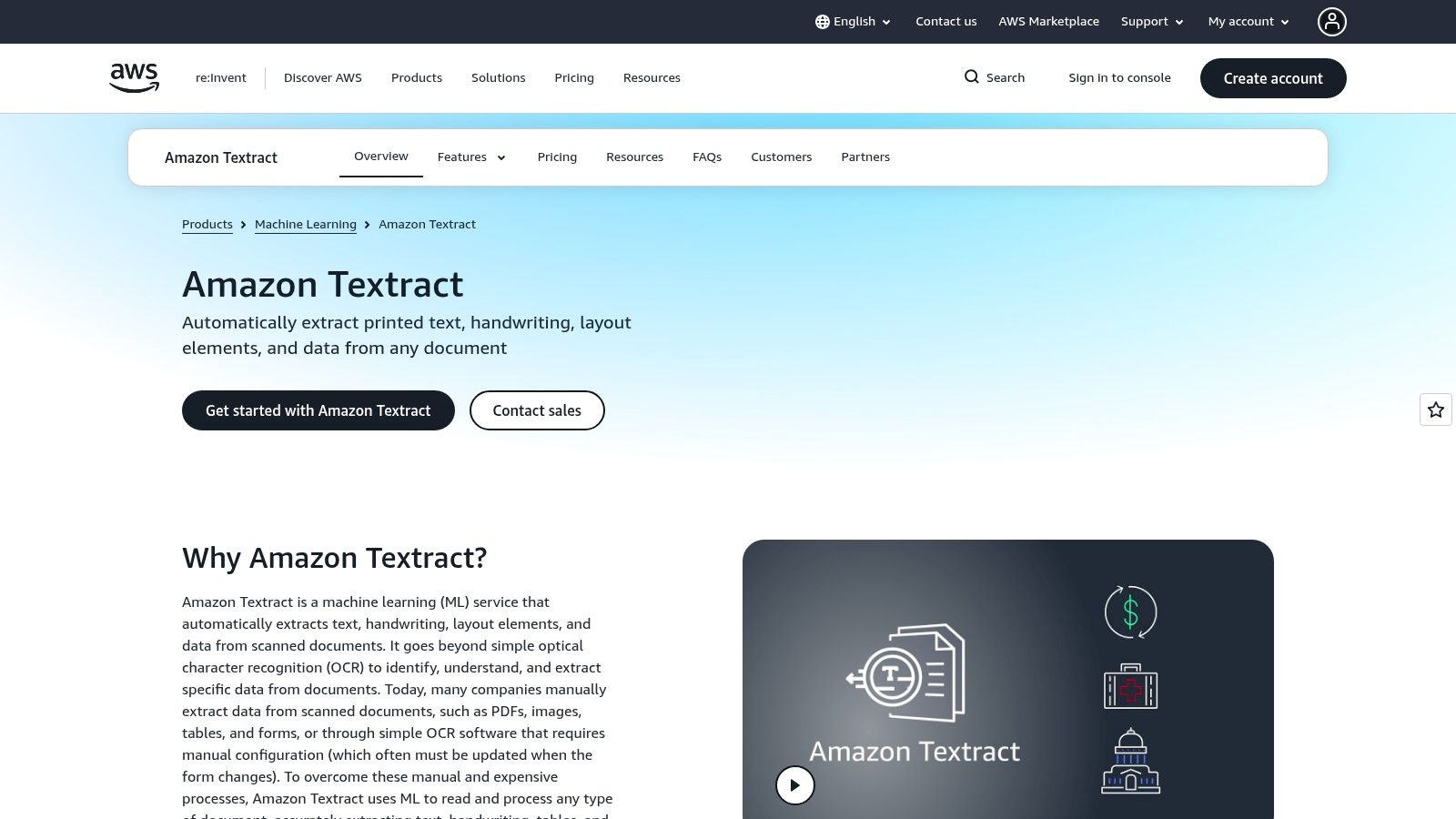
Amazon Textract is the AWS-native option for text, forms, tables, handwriting, and query-based extraction. It's often selected by engineering teams that want a fully managed service inside serverless or event-driven AWS pipelines.
Its appeal is practical. Textract can slot into S3-triggered workflows, Lambda functions, and batch-oriented pipelines without forcing a separate platform purchase. That keeps architecture simple when the document workflow is one component in a broader AWS application.
What Textract is, and what it isn't
Textract is strong when developers want programmable extraction primitives. It's weaker when the business expects a complete business-user-facing automation platform out of the box. Human review through Amazon A2I helps, but many teams still need additional workflow design, validation logic, and downstream orchestration to replace manual operations cleanly.
High-quality extraction doesn't automatically produce a high-quality process. Teams still need validation rules, exception handling, and accountable routing.
8. Rossum
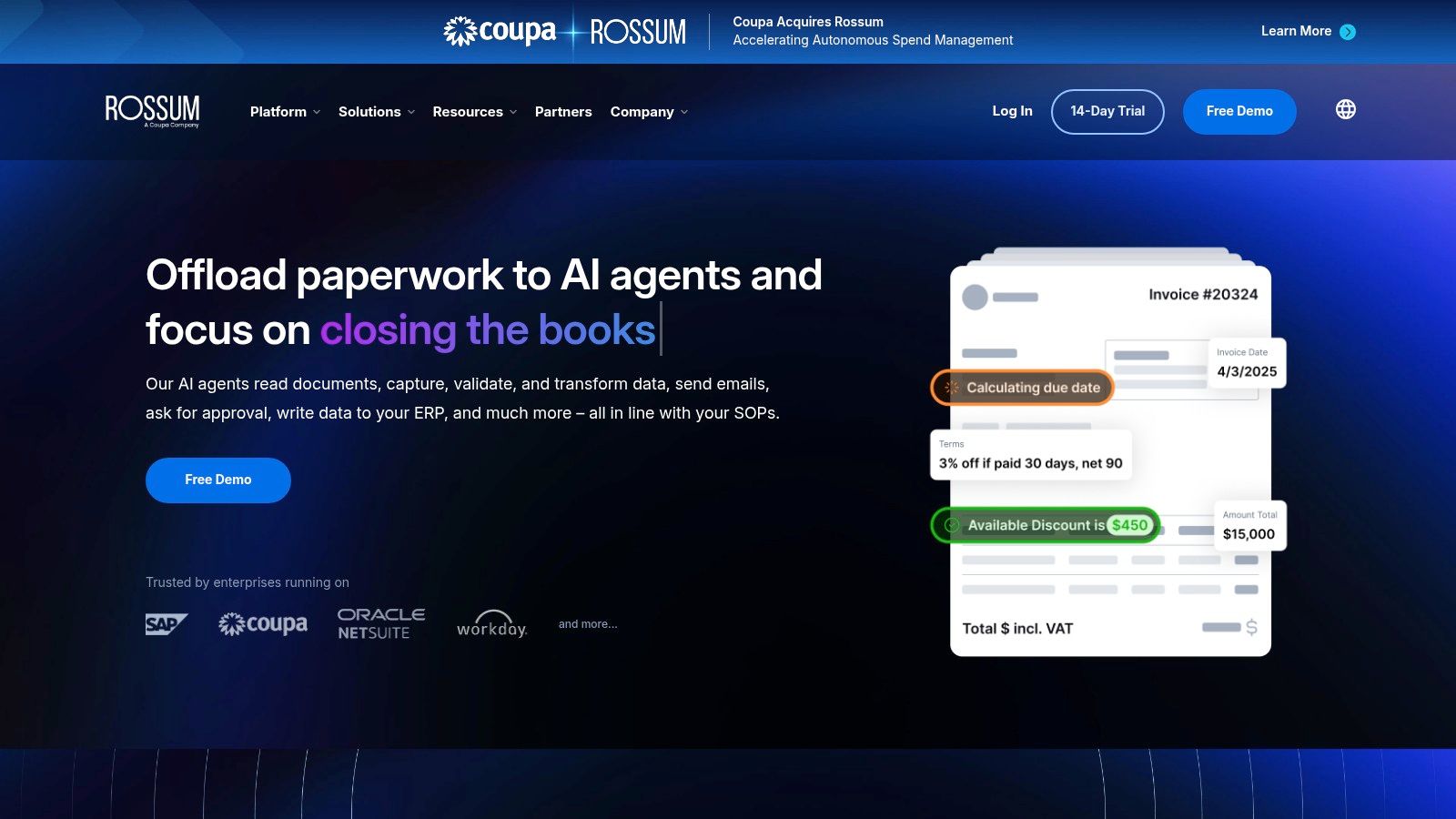
Rossum is a finance-and-operations-focused platform. It's best known for invoice and document workflows where confidence-based review, validation, and ERP integration matter more than raw OCR output. That makes it a strong fit for accounts payable, purchasing, and adjacent operational processes.
Rossum's real appeal is workflow discipline. Master-data matching and confidence-based review help teams avoid treating every extracted field as equally trustworthy. In practice, that's what lowers manual review load. Buyers exploring API-led approaches to that problem can also compare patterns in Matil's article on choosing an API for data extraction.
Why finance teams shortlist Rossum
Rossum matches well with invoice-to-ERP use cases because it emphasizes validation and review thresholds instead of text capture alone. That's important when document automation has to connect to purchasing controls, supplier master data, and downstream posting rules.
The trade-off is fit outside its strongest lane. If your primary problem is broad mixed-document intake across legal, compliance, logistics, and custom internal forms, you may want a more general-purpose platform or API-first product.
9. Indico Data
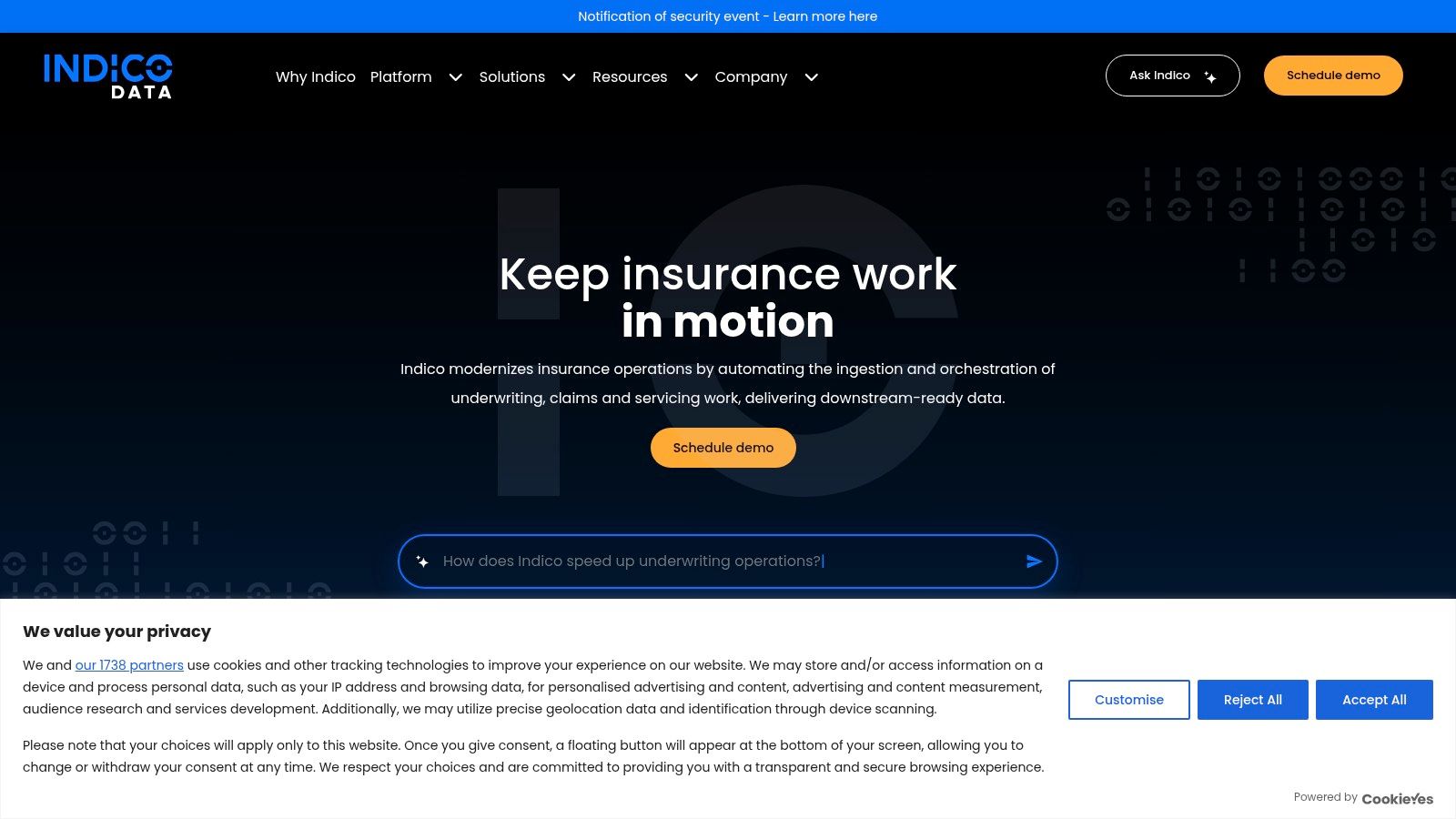
Indico Data represents the vertical-intake category. It is built around insurance workflows such as underwriting, claims, and servicing, where the issue isn't a single clean document but a messy submission package with correspondence, forms, attachments, and supporting evidence.
That specialized focus matters. Insurance teams often need ingestion, enrichment, exception routing, and decision support on top of extraction. A general OCR service can read the pages. It usually can't impose enough operational structure on the submission process by itself.
Why vertical tools exist
Vertical tools become attractive when domain variability is the challenge. In insurance, the difference between extracting fields and understanding a submission package is large enough that generic platforms often need extensive configuration before they become useful.
The downside is obvious. A specialized product can be overkill outside its core industry. If your document mix is mostly invoices, payslips, IDs, and logistics files, a broader data capture platform is usually more flexible.
10. Nanonets
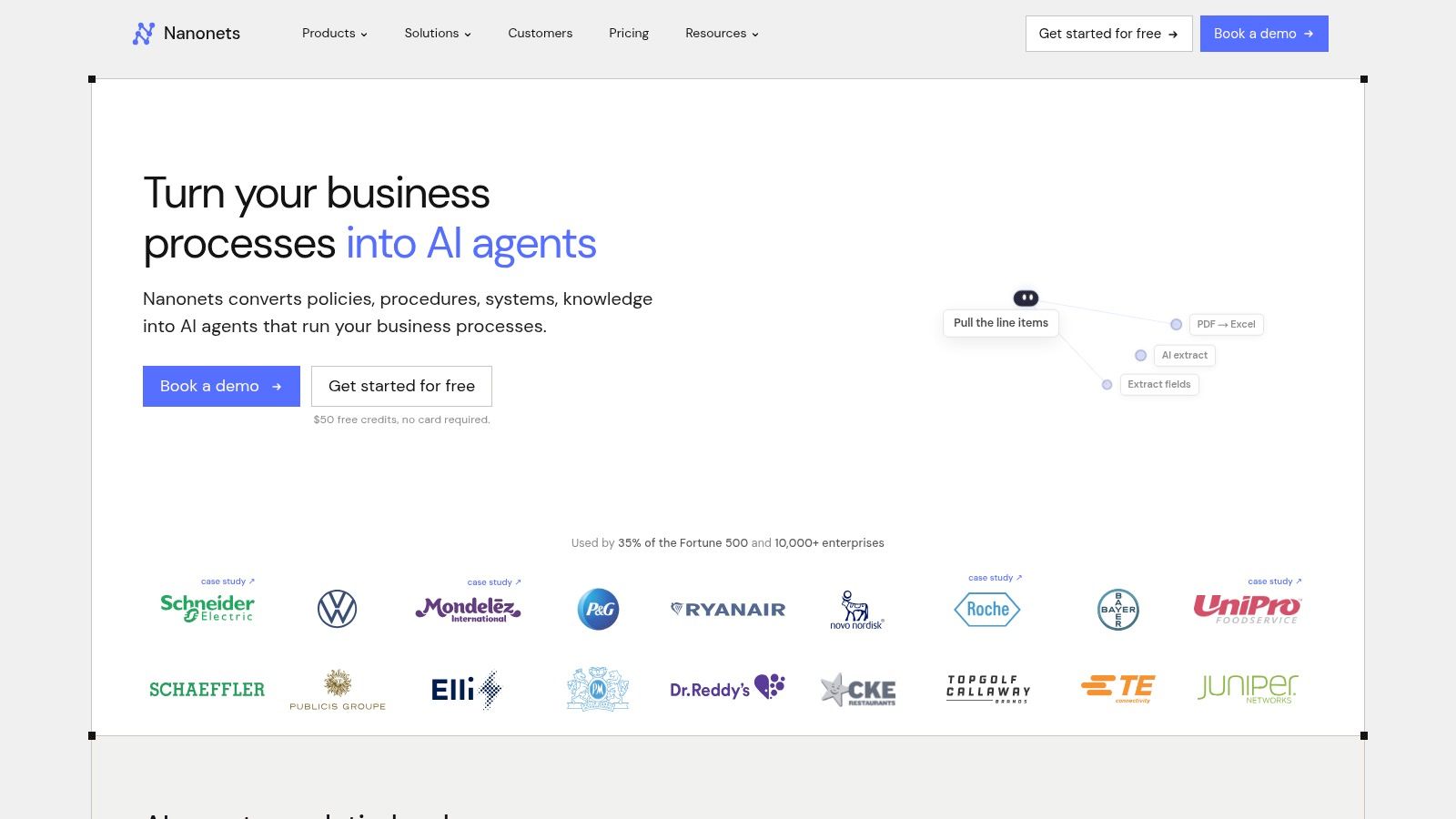
Nanonets is the rapid no-code and developer-prototyping option in this list. It combines OCR, extraction, classification, barcode and signature detection, APIs, connectors, and a low-code workflow builder. For teams that want to test document automation quickly without committing to a large enterprise rollout, that's useful.
The platform is especially relevant for smaller engineering teams, consultants building proofs of concept, and operations groups that want to validate whether a process is automation-ready before buying a heavier platform.
Best use case for Nanonets
Nanonets works best as a fast-start environment. Self-serve onboarding and template-driven setup reduce the time between “we should automate this” and “we can test this on real files.” That's valuable for receipt extraction, AP experiments, ID capture pilots, and internal tools.
The trade-off appears later. Once workflows become more complex, consumption-based pricing and extra AI blocks can increase cost, and enterprise-grade controls may push buyers toward higher-tier plans or more specialized platforms.
Top 10 Data Capture Solutions Comparison
| Solution | Core features | Accuracy & UX | Price & Value | Target audience | Unique selling points |
|---|---|---|---|---|---|
| Matil 🏆 | OCR + classification + PDF split + validation + workflow (single API / no-code) | ★★★★★ · >99% accuracy, sub-second–seconds processing | 💰 Enterprise pricing (request access) | 👥 Finance, logistics, ops, legal, compliance | ✨ Built-in schema & validations, pre-trained vertical models, zero data retention, SLA >99.99% |
| ABBYY Vantage | Prebuilt "Skills", trainable extractors, marketplace, cloud options | ★★★★☆ · Mature OCR & broad language support | 💰 Quote-based (sales-assisted) | 👥 Enterprises needing extensibility & language coverage | ✨ Skill marketplace, proven OCR heritage |
| TotalAgility & Transact (Tungsten) | Capture engine + process orchestration, human-in-loop, on‑prem/cloud | ★★★★ · Robust for large mailroom-to-core flows | 💰 Enterprise-tier licensing (consultative) | 👥 Large enterprises, regulated industries | ✨ End-to-end mailroom automation, strong orchestration |
| UiPath Document Understanding | Prebuilt/trainable extractors, Validation Station, RPA integration | ★★★★ · Good human review UX, composable pipelines | 💰 Platform Units / quote-based | 👥 Teams combining RPA + IDP workflows | ✨ Tight RPA integration, Studio/API activities |
| Google Cloud Document AI | Pretrained processors gallery, custom processors, GCP SDKs | ★★★★ · Clear ppd pricing, easy pilots | 💰 Pay-as-you-go per-processor | 👥 Dev teams on GCP, pilots → scale | ✨ Wide processor catalog, easy developer experience |
| Azure AI Document Intelligence | OCR/Read, layout/table parsing, prebuilt + custom models | ★★★★ · Transparent per-page pricing, Azure security | 💰 Per-page pricing (transparent tiers) | 👥 Azure-centric enterprises, regulated sectors | ✨ Document Intelligence Studio, strong regional/compliance support |
| Amazon Textract | Text, KV pairs, tables, Queries, async batch, A2I human review | ★★★ · Scalable in AWS, good for pipelines | 💰 Per-page pricing (granular) | 👥 AWS-native pipelines, scale-focused teams | ✨ AWS integrations (S3/Lambda), Analyze Lending, A2I |
| Rossum | AI-native extraction, confidence review, master-data matching | ★★★★ · Strong AP/finance accuracy & review UX | 💰 Quote-based (ERP integrations often certified) | 👥 AP teams, ERP-integrated finance ops | ✨ Certified SAP/Coupa connectors, master-data matching |
| Indico Data | Intake/orchestration + insurance-focused models, enrichment | ★★★★ · Proven for complex insurance bundles | 💰 Bespoke enterprise pricing | 👥 Insurance carriers (underwriting/claims) | ✨ Deep insurance coverage (120+ products, 900+ doc types) |
| Nanonets | API-first extraction, low-code builder, credits/block model | ★★★ · Fast prototyping, self-serve start | 💰 Credits/blocks & self-serve tiers | 👥 Developers, SMBs prototyping IDP | ✨ Quick templates, REST/GraphQL APIs, on-prem options |
Choose the Architecture That Fits the Workflow
The best data capture solution depends less on brand reputation than on architectural fit. If your team needs structured JSON, custom schemas, and integration into internal applications or ERPs, an API-first platform is usually the cleanest option. If the organization is already committed to AWS, Azure, or Google Cloud, a managed cloud processor may reduce integration friction and speed up procurement. If bots already run the workflow, an RPA-linked option like UiPath can be the simplest way to add extraction without redesigning the whole process.
Finance teams should usually bias toward platforms built for invoice-to-ERP automation rather than generic OCR. That's because the actual business requirement isn't text capture. It's validated fields, exception handling, and controlled posting. One guide reports that manual invoice processing averages 5 days, while automated processing takes 1 day, an 80% reduction. The same source family says document workflow automation can reduce processing time from 2 to 5 days to under 1 day and bring data-entry errors from 8 to 10% to under 1% (document workflow automation outcomes). That's why validation and routing matter as much as recognition.
For regulated industries, security and governance can decide the shortlist before extraction quality does. A 2025 market summary identifies data security and privacy as the top implementation challenge for IDP, while a separate summary says cloud deployments reached a 65.18% share in 2026 (IDP market research on privacy and cloud tension). That tension is real. Teams want cloud-scale automation, but they also need auditability, retention controls, residency options, and sometimes zero-retention handling.
A useful buying path is simple:
- Use an API-first platform when you need custom schemas, structured JSON, and developer control.
- Use a cloud processor when Azure, AWS, or GCP already anchors the stack.
- Use an RPA-integrated product when bots, queues, and human validation already run the process.
- Use a finance-focused platform when invoice validation and ERP handoff are the core requirement.
- Use a vertical product when insurance or logistics complexity is the problem, not just extraction.
- Use a rapid no-code tool when the main goal is piloting quickly on real files.
The market direction supports this shift from OCR utilities to automation infrastructure. One market estimate values the global intelligent document processing market at USD 1.1 billion in 2021 and projects USD 7.4 billion by 2031 at a 21.7% CAGR from 2022 to 2031. Another forecast places it at USD 3.22 billion in 2025 rising to USD 43.92 billion by 2034 at a 33.68% CAGR (data capture market growth outlook). A broader automatic identification and data capture market estimate places the category at USD 69.81 billion in 2024 with a projection to USD 136.86 billion by 2030 at 11.7% CAGR from 2025 to 2030, with North America at 38.5% of 2024 revenue and BFSI as the largest end-use segment (automatic identification and data capture market outlook). Buyers should read that as a sign that document capture has moved into core enterprise infrastructure.
Matil.ai deserves attention in that context because it goes beyond OCR. It combines OCR, classification, validation, workflow orchestration, pre-trained models, rapid customization, traceability, security controls, zero data retention, and a stated availability SLA above 99.99%. For teams in finance, operations, logistics, legal, and compliance, that combination is usually closer to the requirement than OCR alone.
If you're evaluating document automation, test candidates against representative samples. Check field-level accuracy, confidence thresholds, throughput, queue handling, validation logic, auditability, data residency, GDPR and related compliance needs, retention policy, customization speed, integration effort, SLA, support quality, and total cost. A product demo won't answer those questions. Your documents will. For a broader view of orchestration options around these workflows, this workflow automation guide is a useful companion read.
Matil gives teams a practical way to automate document-heavy workflows without stopping at OCR. Its API combines extraction, classification, validation, and orchestration so invoices, IDs, payslips, statements, and logistics documents can move into structured downstream workflows with less manual review. If you're comparing data capture solutions against real operational requirements, it's worth exploring Matil alongside the other architectures in this list and testing it on your own documents.


